
Storyboarding used to mean months of tedious work to bring an idea to life. It meant setting up complex software, spending a large budget, and hiring a full team of professionals.
AI tools have changed much of that by automating nearly every step of the storyboarding pipeline: from simple image and character creation to animation and final export.
Below, we’ll cover how AI tools can be used to create a storyboard and suggest 3 bonus tools worth considering for storyboarding, including their features and pricing.
Creating Storyboards with AI: A Practical Guide
While AI can’t fully replace the creative side of storyboarding, and the human eye is still important in overseeing the process, AI tools are still helpful throughout the storyboard creation process:
- Speed: While creating storyboards used to take days of scripting, sketching, and rendering every frame by hand. Now, AI tools are generating the images, shot lists, and scenes in seconds, based on the script or scene description provided by human directors or, simply, individual creators.
- Consistency: AI tools have also developed to a level of keeping all the characters, objects, and figures consistent across the scene sequences. No need to redraw or regenerate anything all over again.
- Full control: Some AI tools also let creators set up virtual lights and camera angles, bringing full filmmaking control over the process.
- Sketch to image: Today’s tools support live or real-time generation. Here, a rough sketch becomes a more detailed image as the artist draws. This makes storyboarding more like painting with an AI collaborator instead of just prompting and waiting.
- Animation: As a last step, AI doesn’t just stop at generating the images or scenes. Some tools also allow turning these static frames into AI-generated animations and viewing the scene sequences in motion. All is happening in one tool with no need to turn to other software or apps.
So now that you know how AI tools can be used for storyboard creation, let’s turn to some popular AI tools that can be helpful along the way.
Top 3 Tools to Create a Storyboard with AI
|
|
Storyboarding features |
Pricing |
|
Krea.ai |
|
Free trial available. Paid plans start at $9/month for 5000 monthly units. |
|
Domo AI |
|
Pricing starts at $9.99/month for 500 monthly credits. |
|
Storyboarder.ai |
|
Free trial available. Paid plans start at $45 billed monthly.
|
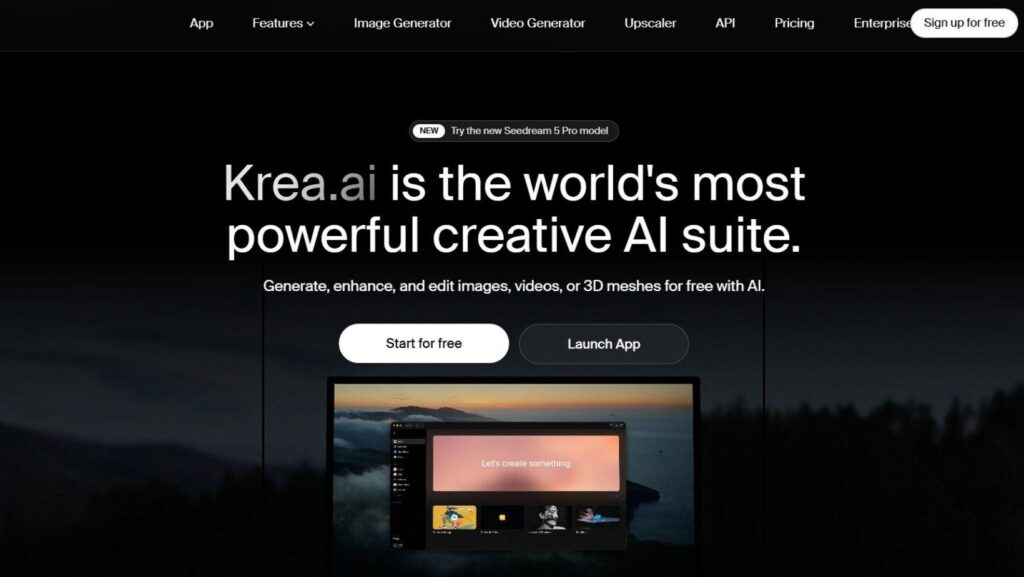
Krea.ai
Krea.ai is an AI creative suite for image, video, and 3D generation. While it is not a dedicated storyboarding tool itself, its wide variety of features fits perfectly in a storyboarding workflow.
Which Krea features can you look for?
- Text-to-image: This is Krea’s main image generator, where you type a description of your desired image and have it generated in seconds. This is one of the main features for creating the separate scenes and frames of your storyboard.
- AI collage generator: With this feature, you can upload and turn scattered images into a structured storyboard. By arranging these images through AI layouts and smart cropping, you can form clean storyboard collages and export them in ready presentation formats. And for connecting these steps in one pipeline, use Krea’s Node Editor.
- Real-time generator: Krea’s most popular feature. You draw a rough shape, and the AI turns it into a fuller image, updating it live. It feels less like typing a prompt and more like sketching alongside an AI partner. So, in storyboard creation, this feature is great for sketching and framing your characters and scenes.
- AI video generator: And as a final step, turn your storyboard images into short video clips or animations, using models like Kling or Runway.
As an addition to your creative workflow, you can also try Krea’s other features, which can also be helpful for storyboarding (and not only), such as:
- AI image enhancement
- AI video enhancement
- AI 3D generation
Pricing plans
You can test Krea.ai for free with 100 units/day. And if you need more features, you can subscribe to its paid plans starting at $9/month for 5000 monthly units (Basic plan).
Domo AI
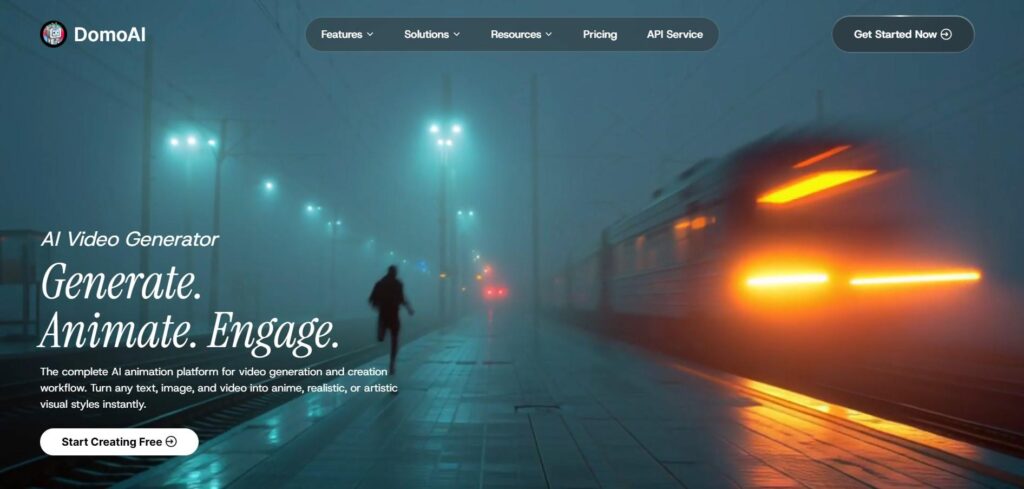
Domo AI is an AI video generator and animation tool, turning text and images into realistic animations. By so, it also has important features that can be used for storyboard creation, such as:
- Text to image: Turn your ideas and descriptions into images, scenes, or visuals.
- Frames to video: Turn static frames (up to 8) into animated clips. You can set individual prompts for each transition and custom durations per segment. This one feature is especially useful for animating your storyboards and bringing characters to life.
Dom AI’s other features that can be considered along with your creative workflow are:
- Text to video
- Image to video
- Character to video
- AI talking avatar
Pricing plans
Pricing starts at $9.99/month for 500 monthly credits.
Storyboarder.ai
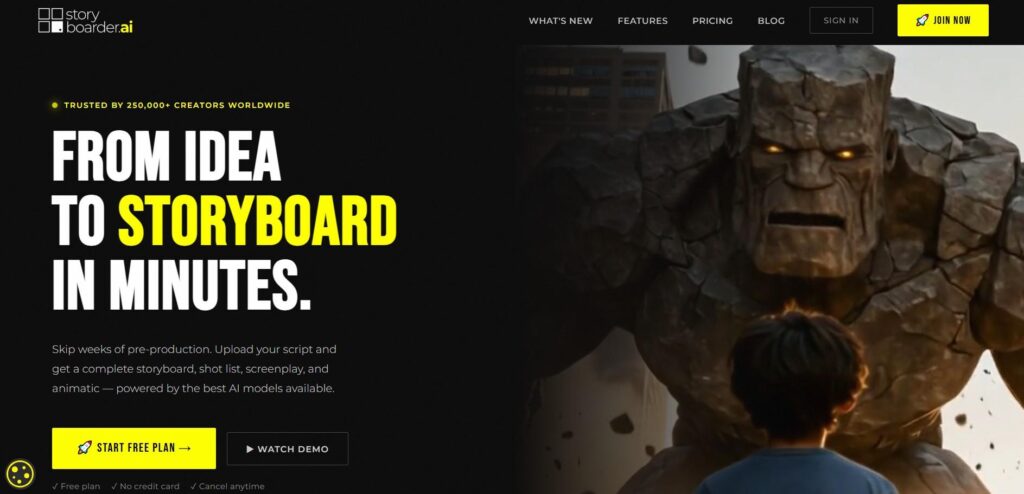
Storyboarder.ai is an AI storyboard generator that generates storyboards, shot lists, and screenplays based on scripts, keeping the characters consistent across the shots and scenes.
Its key features include:
- Full pipeline: The creation process involves everything from uploading your script or describing your concept to getting the full storyboard and shot lists.
- 3D camera: This feature allows finding the right camera angle for the shots
- Unlimited iterations: You can also edit, refine, and rearrange your storyboard images without the need to regenerate anything
- Pitch deck export: As a last step, turn your storyboards into a finished pitch deck instantly.
Pricing plans
You can try Storyboarder.ai for free and advance to its paid plans for more features, starting at $45 billed monthly.
Final Thoughts
AI is indeed your new right-hand in storyboard creation. But don’t forget your own creative input: your script, your vision, your imagination.
That’s why it’s worth testing and experimenting with AI yourself before committing to a final piece.
Here, Krea.ai stands out as a full creative suite with every feature you might need, as it covers image, video, 3D creation, and real-time generation, all in one place.
Play around and let your imagination run wild. That’s the only way to get the results you actually want.