
Large development teams move fast, and that means security issues can sneak into code before anyone notices. SAST tools scan your code automatically and flag problems early, before the code ever runs. This saves time, reduces risk, and helps teams stay on top of security without slowing down.
Here are five of the best SAST platforms for large development teams.
What to Look For in a SAST Platform
Not all SAST tools are created equal. Here are the things that matter most when picking one for a large team.
- Language support: The tool should work with every language your team uses.
- Low false positives: Too many wrong alerts, and developers will start ignoring them.
- CI/CD and IDE integration: Security checks should fit into the tools developers already use.
- Clear fix guidance: Finding a bug is only half the job. The tool should also explain how to fix it.
- Speed: Slow scans block pipelines. Fast scans get used.
- Compliance support: Many teams need to show proof of security checks for audits like SOC 2 or PCI-DSS.
1. Aikido Security: Best Overall for Large Dev Teams
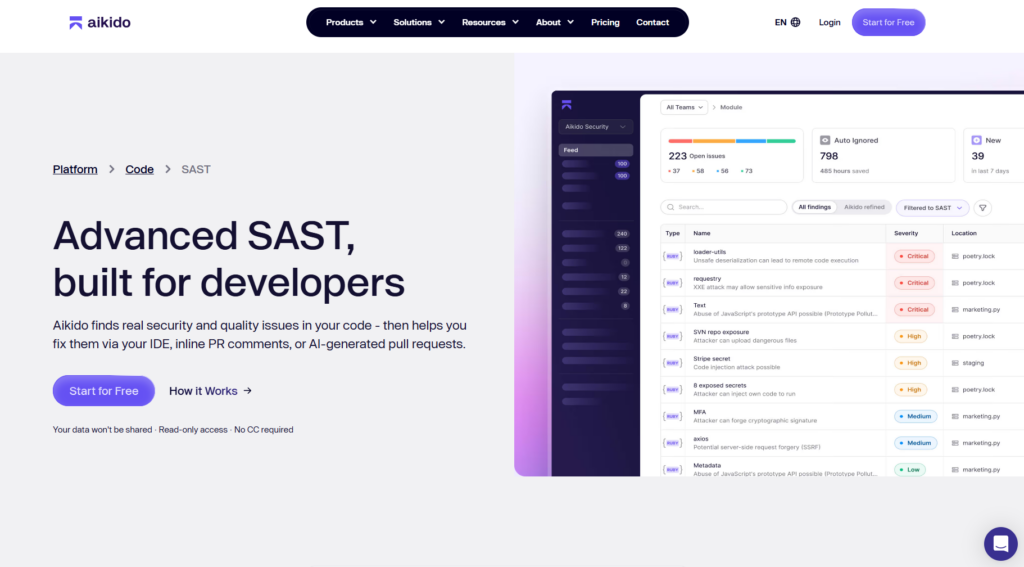
Aikido Security is a modern security platform that does more than just SAST. It also covers open-source dependencies, container scanning, secrets in code, cloud config issues, and live app testing: all in one place. For large teams that don’t want to manage five different tools, Aikido is the easiest all-in-one option.
Why Aikido Stands Out
- All-in-one platform: Covers SAST, SCA, secrets detection, IaC scanning, container scanning, and DAST. One tool, one dashboard.
- AI-powered fixes: Aikido can automatically open a pull request with a suggested fix. Developers don’t have to go digging for solutions.
- Less noise: Aikido groups and ranks findings so your team only sees what actually matters.
- Quick setup: Connect GitHub, GitLab, or Bitbucket in a few minutes. No agents or complex config needed.
- Works with your CI/CD: Plugs into GitHub Actions, GitLab CI, Jenkins, and more. Can block merges when serious issues are found.
- Easy to understand: Results are written in plain language with clear severity levels, not security jargon.
- Compliance built in: Maps findings to SOC 2, ISO 27001, OWASP Top 10, and PCI-DSS out of the box.
- Team dashboards: Managers and security leads can see the full picture across all repos and teams.
- Secrets detection: Catches exposed API keys and tokens before they go live.
- IaC scanning: Checks Terraform, CloudFormation, Kubernetes files, and Dockerfiles for mistakes.
JavaScript/TypeScript, Python, PHP, Ruby, Java, Go, C#, .NET, Kotlin, Swift, and more.
Teams of 20+ developers, SaaS companies, and anyone who wants one tool to cover all their security bases instead of cobbling together multiple products.
2. Checkmarx
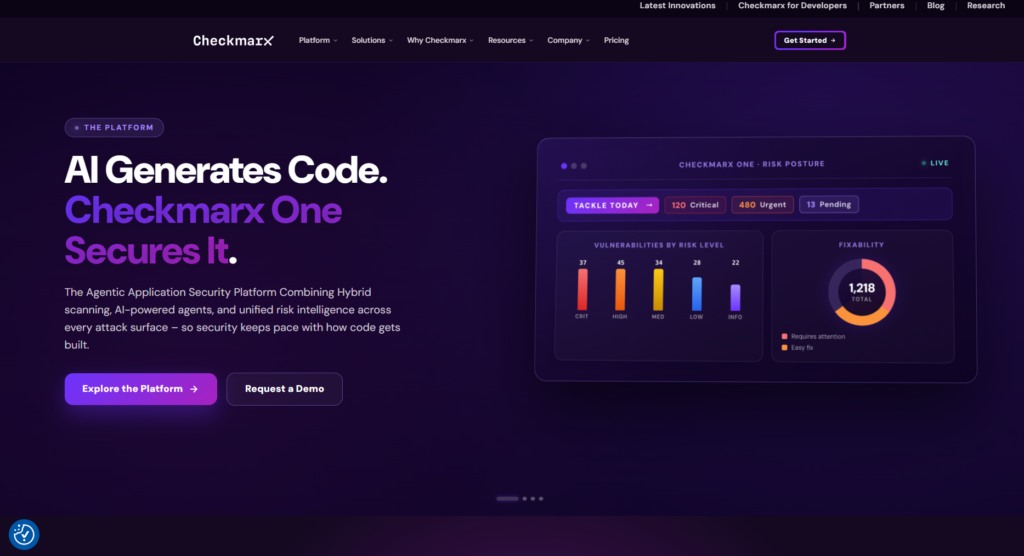 Checkmarx is a well-established security tool used by big companies in finance, healthcare, and government. It has one of the broadest language libraries on the market and strong compliance features.
Key Features
- Supports 30+ languages: Including older ones like COBOL, which many enterprise tools skip.
- Only scans what changed: During CI runs, it focuses on new or modified code to keep things fast.
- Routes findings automatically: CxFlow sends issues straight to Jira, ServiceNow, or Azure DevOps without manual steps.
- Custom detection rules: Security teams can write their own rules using CxQL to catch issues specific to their codebase.
- Covers more than SAST: Checkmarx One includes SCA, IaC scanning, and API security in one package.
- Detailed compliance reports: Ready-made reports for PCI-DSS, HIPAA, NIST, OWASP, and more.
- On-premise option: Can run in air-gapped environments, which some industries require.
- IDE plugins: Works with IntelliJ, Visual Studio, VS Code, and Eclipse.
- Prioritizes by real risk: Ranks findings based on how likely they are to actually be exploited.
- Access controls: Fine-grained permissions for large, distributed teams.
Large enterprises in regulated industries that need deep compliance coverage or must run tools on-premise.
3. Veracode
 Veracode has been around for over a decade and is known for its accuracy. It has a unique ability to scan compiled files (like JARs or DLLs), not just source code, which helps teams dealing with older or third-party software.
Key Features
- Scans binaries too: Can scan compiled files without needing the source code.
- IDE scanning: Developers get security feedback while they’re writing code, not just at review time.
- AI fix suggestions: Veracode Fix recommends code changes right inside the IDE.
- Built-in training: Security Labs teaches developers how to fix the exact type of issue found in their code.
- Fast pipeline scan: A lightweight mode that returns results in under 60 seconds.
- Policy enforcement: Set rules that automatically pass or fail builds based on issue severity.
- Covers SAST, DAST, SCA, and pen testing: A full suite for teams that want everything from one vendor.
- Step-by-step fix guidance: Every finding comes with clear instructions and code examples.
- REST API: Easy to connect with other tools via API.
- FedRAMP authorized: Required for many U.S. government and public sector projects.
Teams with legacy codebases, organizations that want to use security findings as teaching moments, and U.S. public sector teams.
4. SonarQube
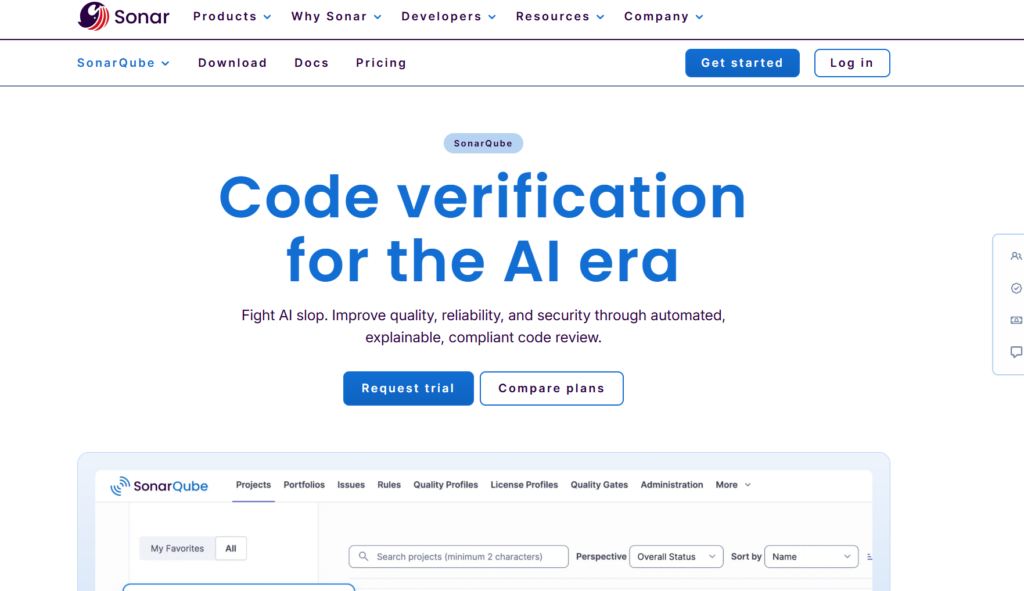 SonarQube (self-hosted) and SonarCloud (cloud version) are popular with developers because they combine security scanning with general code quality checks. If your team cares about both clean code and secure code, SonarQube handles both.
Key Features
- Code quality + security together: Shows security issues alongside bugs and code smells in one view.
- 30+ languages: Covers C, C++, Objective-C, ABAP, PL/SQL, and many more.
- PR checks: Every pull request gets scanned, and merges can be blocked if new issues are found.
- Quality Gates: Custom rules that define what “good enough” looks like before code is merged.
- Security Hotspots: Flags things that need a human to look at, rather than auto-classifying everything.
- SonarLint plugin: Gives real-time feedback in VS Code, IntelliJ, Eclipse, and Visual Studio.
- Self-hosted option: Multiple editions available, including a free Community version.
- OWASP and CWE tags: Findings are labeled with standard identifiers for easy reporting.
- Developer dashboard: Each developer can see their own issues and technical debt.
- Large community: Tons of plugins and community support available.
Teams that want to manage code quality and security together, and those looking for a strong open-source or self-hosted option.
5. Semgrep
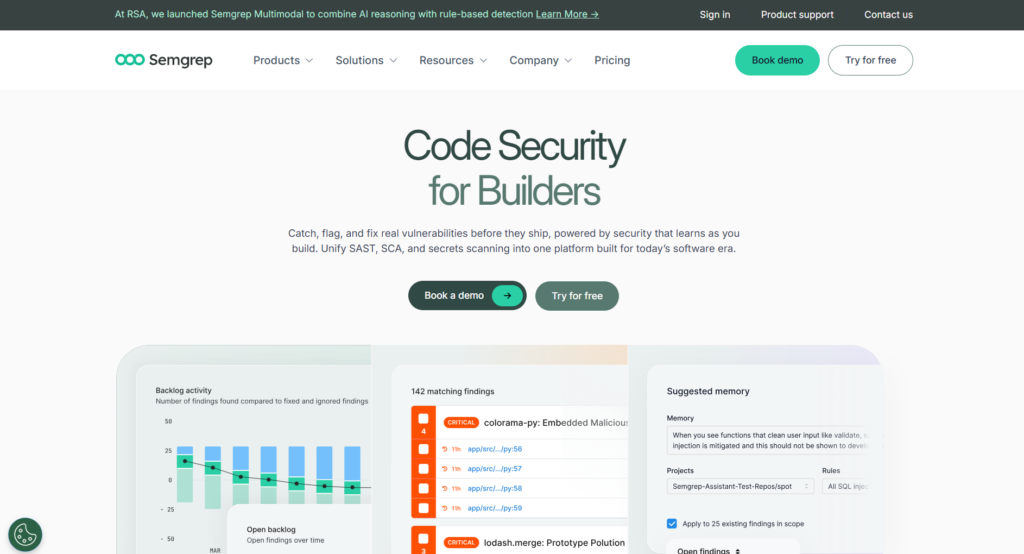 Semgrep is a newer tool that’s grown quickly because of how fast and customizable it is. Its rules are written in plain code-like syntax, so developers can read and write them without needing a security background.
Key Features
- Very fast scans: Can scan large codebases in seconds or minutes.
- Easy-to-read rules: Rules look like the code they’re checking, making them simple to understand and modify.
- Rule library: Thousands of community rules for OWASP Top 10, common CVEs, and popular frameworks.
- Deep analysis (Pro): The paid version tracks issues across files and functions, not just single lines.
- Smart SCA: Checks if a vulnerable dependency is actually used in your code, not just installed.
- Finds secrets: Detects hardcoded API keys and tokens with few false alarms.
- CI/CD native: Works out of the box with GitHub Actions, GitLab CI, CircleCI, Jenkins, and more.
- Inline PR comments: Posts findings directly as comments on pull requests in GitHub and GitLab.
- Works well with monorepos: Built to handle large, complex repo structures without slowing down.
- Open-source core: The main engine is open source, so teams can self-host and customize freely.
Developer-led security programs, teams with custom frameworks that need custom rules, and fast-moving organizations that value speed and transparency.
Comparison Table
|
Feature |
Aikido |
Checkmarx |
Veracode |
SonarQube |
Semgrep |
|
SAST |
Yes |
Yes |
Yes |
Yes |
Yes |
|
SCA |
Yes |
Yes |
Yes |
Partial |
Yes |
|
IaC + Container Scanning |
Yes |
Partial |
No |
No |
No |
|
DAST |
Yes |
Yes |
Yes |
No |
No |
|
AI Autofix |
Yes |
No |
Yes |
No |
No |
|
Compliance Reporting |
Yes |
Yes |
Yes |
Partial |
Partial |
|
On-Premise |
No |
Yes |
No |
Yes |
Yes |
|
Open Source Core |
No |
No |
No |
Yes |
Yes |
Which One Should You Choose?
The right tool depends on your team’s situation:
- Aikido Security is the best starting point for most teams. It covers the widest range of security checks out of the box, is fast to set up, and keeps things simple with one dashboard. It works especially well for teams that want solid security coverage without hiring a dedicated security engineer or managing multiple tools.
- Checkmarx makes sense if you’re in a regulated industry like finance or healthcare, need on-premise deployment, or have strict compliance requirements.
- Veracode is a good fit if you’re dealing with older or legacy codebases, or if you want built-in developer security training alongside scanning.
- SonarQube is worth considering if you want to track code quality and security in the same place, or if a self-hosted open-source option is important to you.
- Semgrep is a strong choice if your team wants to write custom rules, values speed above all, or prefers an open-source-first approach.
For most large development teams starting or looking to consolidate tools, Aikido gives the most coverage with the least setup effort.
FAQ
What is SAST?
SAST scans your code for security issues without running it. It catches problems early, while code is still being written or reviewed.
How is SAST different from DAST?
SAST checks the code itself. DAST tests a live, running app by simulating attacks. They catch different types of issues and work well together.
Why do teams struggle with SAST tools?
Too many false alarms. When tools flag too many non-issues, developers start ignoring everything. Good tools filter out the noise and only surface what really matters.
Do these tools help with compliance? Yes. Most of them map findings to standards like SOC 2, PCI-DSS, ISO 27001, and OWASP Top 10, which makes audit preparation much easier.