
AI logo creators now offer a quick way to launch a brand that looks professional in 2026. They can help you refresh an old brand identity or even create a completely new one without the need to hire designers.
These tools are so advanced that they can offer you a good logo concept in just seconds, which makes them a strong option, especially for businesses with limited time or resources.
The best platforms, however, go beyond just simple logo creation and offer brand kits, social media templates, websites, and any kind of commercial-use assets in one place.
So, let’s explore 4 AI logo makers – from free tools to full brand platforms- so you can make an informed decision on which one is right for you.
Quick Comparison: Best AI Logo Creators
|
Tool |
Best For |
Pricing |
Rating (Trustpilot) |
|
Design.com |
Best overall AI logo creator |
Paid / Free preview |
⭐⭐⭐⭐⭐ 4.7/5 |
|
BrandCrowd |
Best for fast logo customization |
Paid / Free preview |
⭐⭐⭐⭐⭐ 4.7/5 |
|
Tailor Brands |
Best for full business branding (logo + website) |
Subscription |
⭐⭐⭐⭐⭐ 4.8/5 |
|
Turbologo |
Best for quick and simple logo generation |
Paid |
⭐⭐⭐⭐☆ 4.3/5 |
AI Logo Creators Reviewed
Design.com
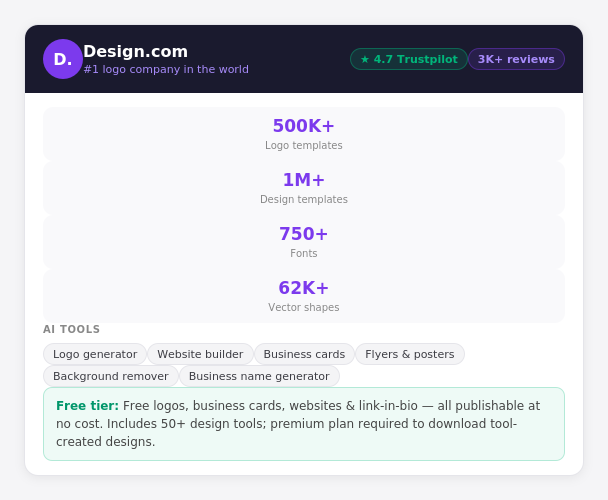
Design.com is more than just a logo generator – it’s a full AI-powered branding platform. Its biggest advantage is scale, with access to over 500,000+ logo templates and more than 1 million design assets.
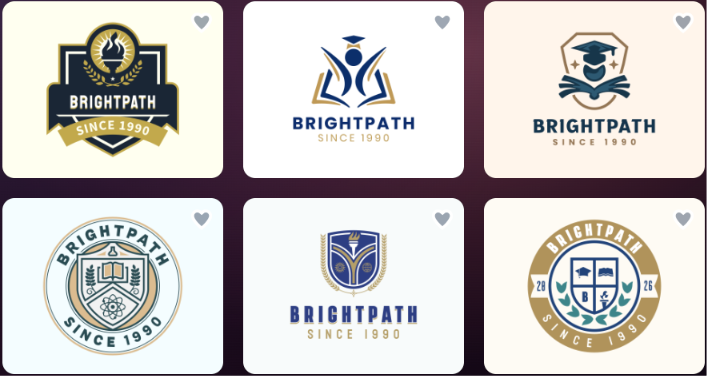
When we entered our business name and a few keywords, the platform generated thousands of logo options instantly. With over 500,000 logo templates and more than 750 fonts, finding something that actually fit our brand took minutes. The most important part was that the designs didn’t feel generic, as Design.com uses exclusive icons and shapes (over 62,000 custom vectors) created by professional designers.
Besides, the built-in AI editing tools were also outstanding. We could edit the logo icon, adjust the text, and request changes through a simple chat interface; all this without any design background. The AI is custom-trained to keep edits copyright-safe, which matters a lot as we’re planning to use the logo commercially.
The speed? The logo concepts were generated instantly, giving us the freedom for unlimited edits. Each of the generated logos came with a full range of high-res file formats: SVG, EPS, PDF, PNG, JPG, and even animated GIF and MP4, which most competitors don’t offer at this level.
Once we finished editing our logo, the platform extended naturally into a full brand platform: business cards, social media graphics, websites, and more, all of which automatically inherited the colors of the logo for consistent branding. That’s a useful bonus, but it’s the logo experience itself that earns its place at the top of this list.
|
Feature |
Detail |
|
Total design assets |
1M+ |
|
Exclusive designs |
Yes, only available on Design.com |
|
Custom vector shapes |
62,000+ |
|
Logo Quality |
High-quality, unique logos |
|
AI logo generator |
Yes, AI business name generator, AI background remover, AI flyers, posters, etc. |
|
Copyright-safe AI |
Yes, 100% commercial safety |
|
Branding tools |
50+ |
|
Auto template branding |
Yes |
|
Domain registration |
Yes |
|
Export formats |
SVG, EPS, PDF, PNG, JPG, GIF, MP4, icon-only & transparent background |
|
Free tier |
Available |

Design.com is the most complete logo creator we tested. It’s the right choice if you want quality, template variety, instant results, and no long, tiring questions. The branding tools you get after the logo make it easy to stay on the same platform as your business grows. The only users who might not need everything it offers are those looking for a one-time logo with no plans to build further.
It’s best for startups, entrepreneurs, and generally anyone who wants professional-level logos, alongside complete branding tools.
BrandCrowd
⭐⭐⭐⭐⭐ 4.7/5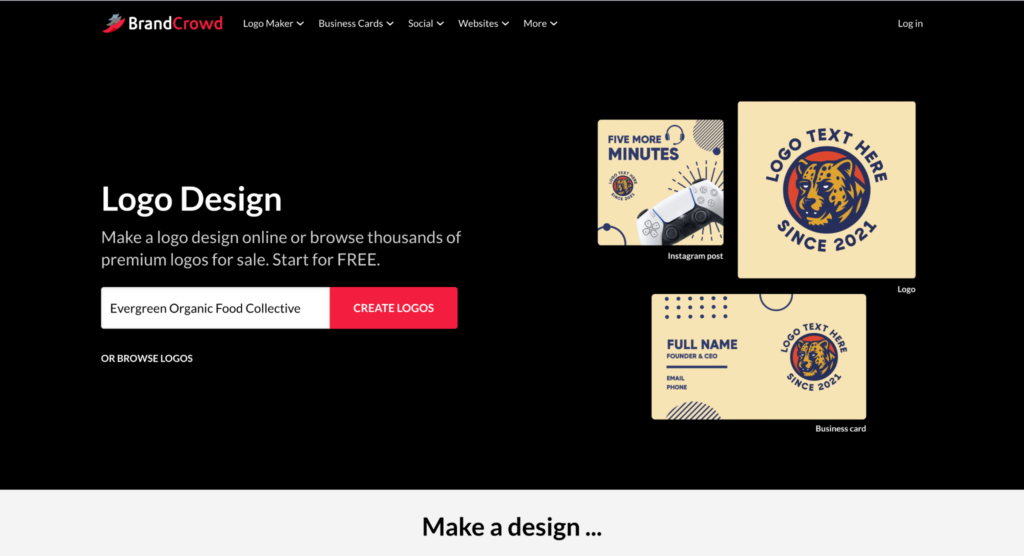
BrandCrowd is another strong option for users who don’t want to start their logo creation from scratch. The platform focuses on ready-made templates that can be easily customized. It gives access to hundreds of thousands of logo templates and around 1 million design assets across different categories and industries
We started by entering a business name and browsing the logo suggestions generated by the platform. The experience was extremely straightforward. Within seconds, we had access to a large selection of logo concepts covering different styles and industries.
What stood out most was the quality of the templates. Many looked professionally designed from the start, requiring only minor adjustments to colors, fonts, or layouts before they were ready to use.
The editing experience was also simple. We could quickly swap icons, adjust typography, and test different color combinations without needing any design skills. While the platform relies more on template customization than AI generation, it makes up for it with speed and ease of use.
BrandCrowd also includes business cards, social media graphics, and other matching design assets, making it easy to keep branding consistent after the logo is complete.
|
Feature |
Detail |
|
Logo templates |
380,000+ |
|
Design assets |
1M+ |
|
Customization |
Fonts, colors, layouts, icons |
|
Logo quality |
High-quality template-based designs |
|
AI editing |
Available |
|
Branding assets |
Business cards, social media graphics, and flyers |
|
Export formats |
PNG, SVG, PDF, and more |
|
Free logos |
Available |
BrandCrowd is ideal for users who want more creative control without starting from a blank canvas. The template library is one of the largest available, and the customization tools make it easy to create a professional logo quickly.
It’s best for businesses and creators who want polished logo templates that can be customized in minutes.
Tailor Brands
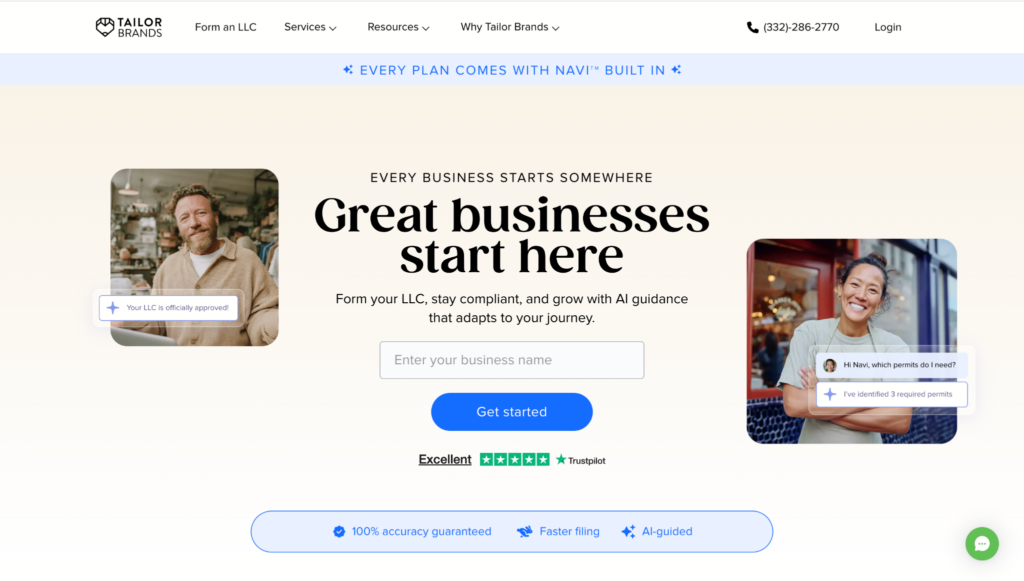
Tailor Brands approaches logo creation differently from most tools on this list. While it includes an AI logo generator, its main focus is helping users build and manage a business over time.
The platform combines logo creation with website building, domain management, and additional business tools, making it appealing for new businesses that want everything in one place.
The logo creation process begins with a guided questionnaire designed to understand the brand’s style and industry. Based on these answers, Tailor Brands generates several logo concepts that can be customized further.
The designs were clean and professional, though we found the customization options more limited than Design.com and BrandCrowd. The platform focuses more on simplicity and convenience rather than giving users extensive design freedom.
What makes Tailor Brands stand out is everything that comes after the logo. Users can continue building their brand using the platform’s website, domain, and business management tools.
|
Feature |
Detail |
|
AI logo generator |
Yes |
|
Guided design process |
Yes |
|
Logo customization |
Basic to moderate |
|
Website builder |
Included |
|
Domain management |
Available |
|
Business tools |
Available |
|
Branding assets |
Included |
|
Subscription required |
Yes |
Tailor Brands is a solid choice for users who want more than a logo. The logo maker itself is simple and effective, but the real value comes from the additional business tools included in the platform.
It’s best for new businesses that want logo creation, website setup, and branding tools under one subscription.
Turbologo
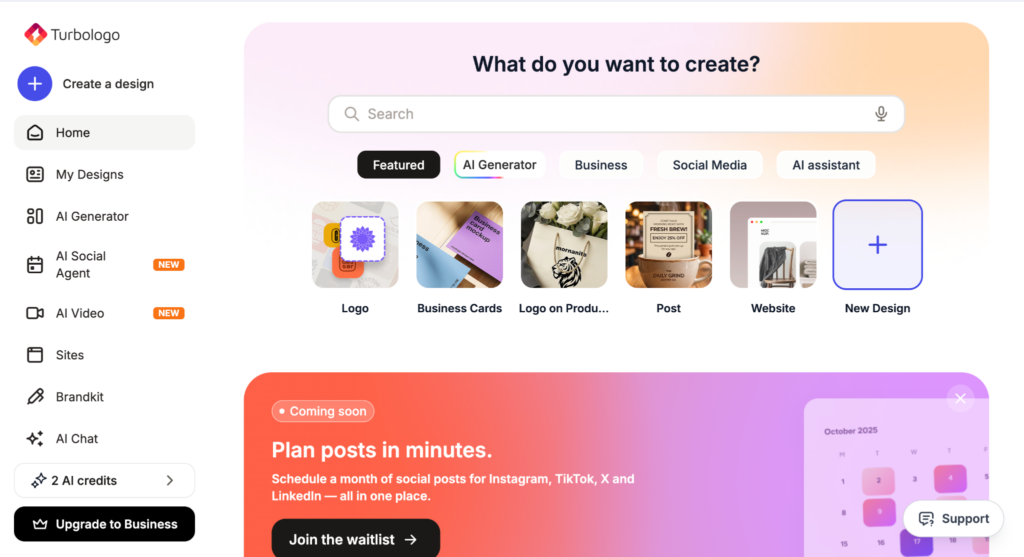
Turbologo is a simple AI logo maker. You just enter your business name, choose a few style preferences, and it generates logo options. It’s a good choice if you want a clean logo without spending much time customizing.
We entered a business name, selected a few style preferences, and received logo concepts almost instantly.
The overall process was one of the fastest we tested. The platform generates clean and usable logos quickly, and basic editing options make it easy to change colors, fonts, and icons.
While the logos looked professional enough for many small businesses, they generally felt more template-driven than the designs produced by Design.com or BrandCrowd. Users looking for highly distinctive branding may want more customization options.
That said, for quick projects and straightforward branding needs, Turbologo performs well.
|
Feature |
Detail |
|
Logo generation speed |
Instant |
|
AI logo generator |
Yes |
|
Customization |
Basic |
|
Logo quality |
Good |
|
Ease of use |
Very high |
|
Export formats |
PNG, SVG (paid plans) |
|
Branding tools |
Limited |
|
Pricing |
Affordable |
Turbologo does exactly what it’s designed to do: generate simple logos quickly. It may not have the depth or flexibility of the top platforms, but it’s easy to use and gets results fast.
It’s best for users who want a straightforward logo creator without a learning curve.
How to Choose the Best AI Logo Creator
If you just need a quick logo, tools like Turbologo are enough. For a full brand experience (logo + assets + more), Design.com is the most complete option.
Design.com offers a much larger selection of logos and more design flexibility, making it easier to find something unique.
BrandCrowd is also strong here, with a large template library and plenty of ready-made branding assets for quick customization.
For quick results, Turbologo is great. For both speed and deeper customization, Design.com is the better choice.
If you’re building a brand, not just a logo, Design.com gives you more tools and flexibility over time.
Conclusion
For simple logos, budget tools work fine.
But for the best overall balance of quality, choice, and branding features, Design.com is the strongest option.